 By IQnewswire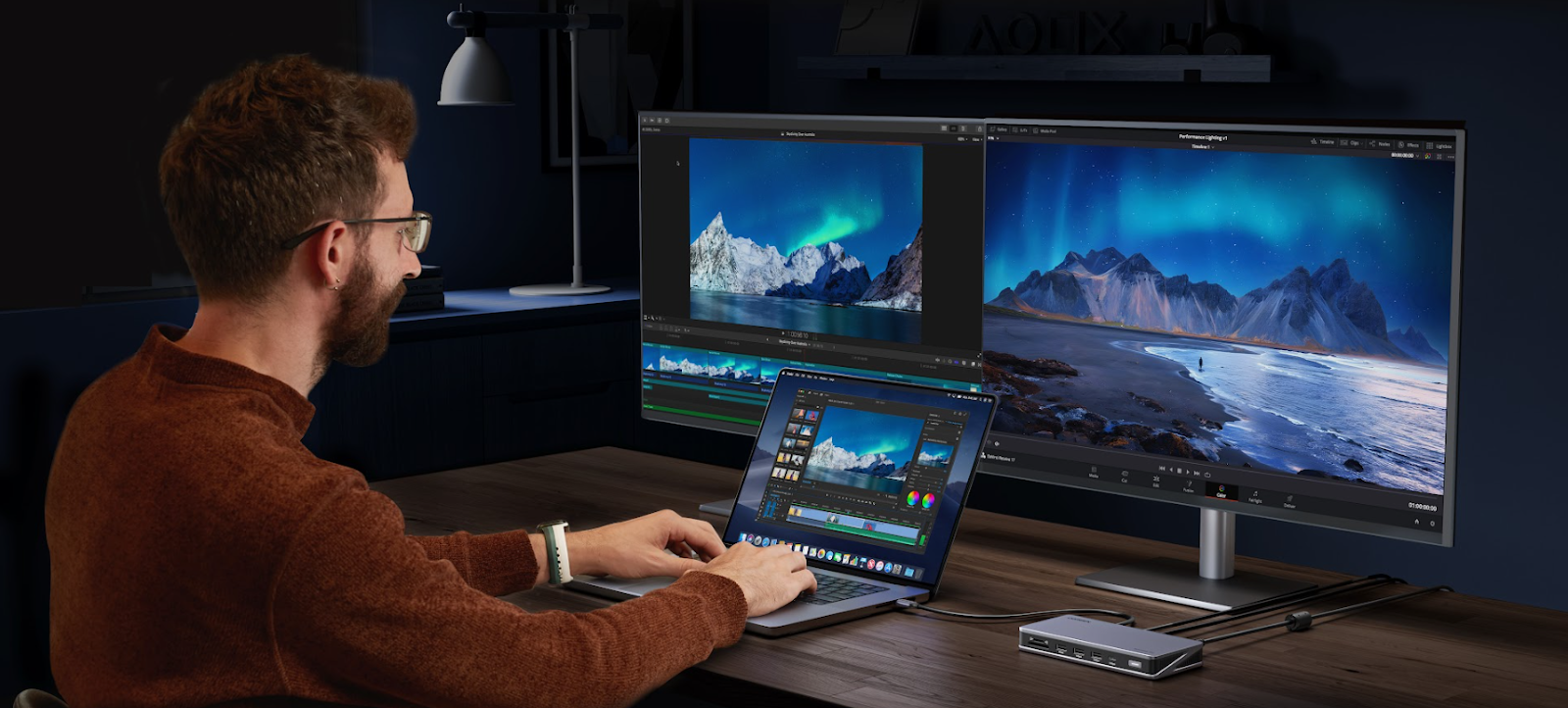
When setting up a modern workspace, many laptop users face the question of whether to use a laptop docking station, a USB C Hub, or a standard docking station. Each option offers different capabilities for expanding connectivity, powering devices, and managing multiple peripherals. A laptop docking station provides a more powerful and stable solution for high-demand setups, while a USB C Hub is compact, portable, and convenient for light or mobile use. Understanding the differences between a laptop docking station, a USB C Hub, and a general docking station is essential for choosing the right solution for your workflow.
A laptop docking station is a device that connects your laptop to multiple peripherals, often including external monitors, Ethernet, and USB devices, while also providing power. Unlike smaller USB hubs, a docking station is designed for heavier workloads and professional setups.
- Includes an external power supply to support multiple high-power devices.
- Offers a variety of ports, such as USB-A, USB-C, HDMI, DisplayPort, and Ethernet.
- Maintains stable data transfer speeds even when multiple peripherals are connected.
- Multi-monitor desktop setups for productivity or professional work.
- Workstations for designers, video editors, or content creators.
- Environments that require stable power and high-speed connectivity for multiple devices.
A USB C Hub is a smaller, portable device that expands a single USB-C port on your laptop into multiple ports, typically including USB-A, HDMI, SD card slots, and occasionally USB-C pass-through charging. Unlike a powered laptop docking station, a USB C Hub draws its power directly from the laptop, limiting its support for high-demand devices.
- Compact and lightweight for portability.
- Simple plug-and-play operation, requiring no external power source.
- Supports low-power peripherals like keyboards, mice, and flash drives.
- Travel or mobile laptop setups.
- Temporary office setups or hot-desking environments.
- Connecting small peripherals that do not require high power.
Choosing between a docking station and a USB C Hub comes down to power, device support, and usability.
- Laptop docking stations provide external power, supporting high-demand devices like external hard drives, printers, and multiple monitors.
- USB C Hubs rely on the laptop’s USB port, limiting power output and the number of high-power peripherals they can support.
- Docking stations maintain stable connections and reliable data transfer when multiple devices are connected.
- USB C Hubs can experience voltage drops or unstable connections when overloaded.
- Docking stations are larger and require a dedicated desk space and power outlet.
- USB C Hubs are small, portable, and ideal for mobile or temporary setups.
| Feature | Laptop Docking Station | USB-C Hub |
| Power Source | External adapter | Laptop USB-C port |
| Device Support | High-power devices, multiple peripherals | Low-power devices, limited peripherals |
| Performance | Stable with multiple devices | May drop connections under load |
| Portability | Less portable | Highly portable |
| Charging Capability | Supports device charging | Limited or no charging |
Selecting the right hub depends on your devices, power needs, and workspace setup.
Use a laptop docking station if you frequently connect external hard drives or other high-current devices. It ensures stable power and prevents disconnects.
Desktop setups with multiple keyboards, mice, monitors, and printers benefit from a docking station, which keeps connections stable and data transfer consistent.
Video editors, designers, and other professionals can rely on a laptop docking station to handle high-demand devices simultaneously without performance issues.
A USB C Hub is ideal for laptops on the go, offering compact portability without the need for external power.
Connect low-power peripherals such as keyboards, mice, and USB flash drives conveniently with a USB C Hub.
If you only need to add a few extra ports for occasional use, a USB C Hub provides a lightweight, cost-effective solution.
When deciding between a laptop docking station, a USB C Hub, or a standard docking station, consider your power needs, the number of devices, and whether portability or stability is a priority. Powered laptop docking stations are best for professional and high-demand setups, while USB C Hubs are suited for mobile or light-use scenarios. Selecting the right type ensures efficient connectivity and reliable performance across all devices.
READ ALSO: Top Rated Gaming Laptops of 2026: Ultimate Guide for High-Performance Gaming
 Siam
Siam